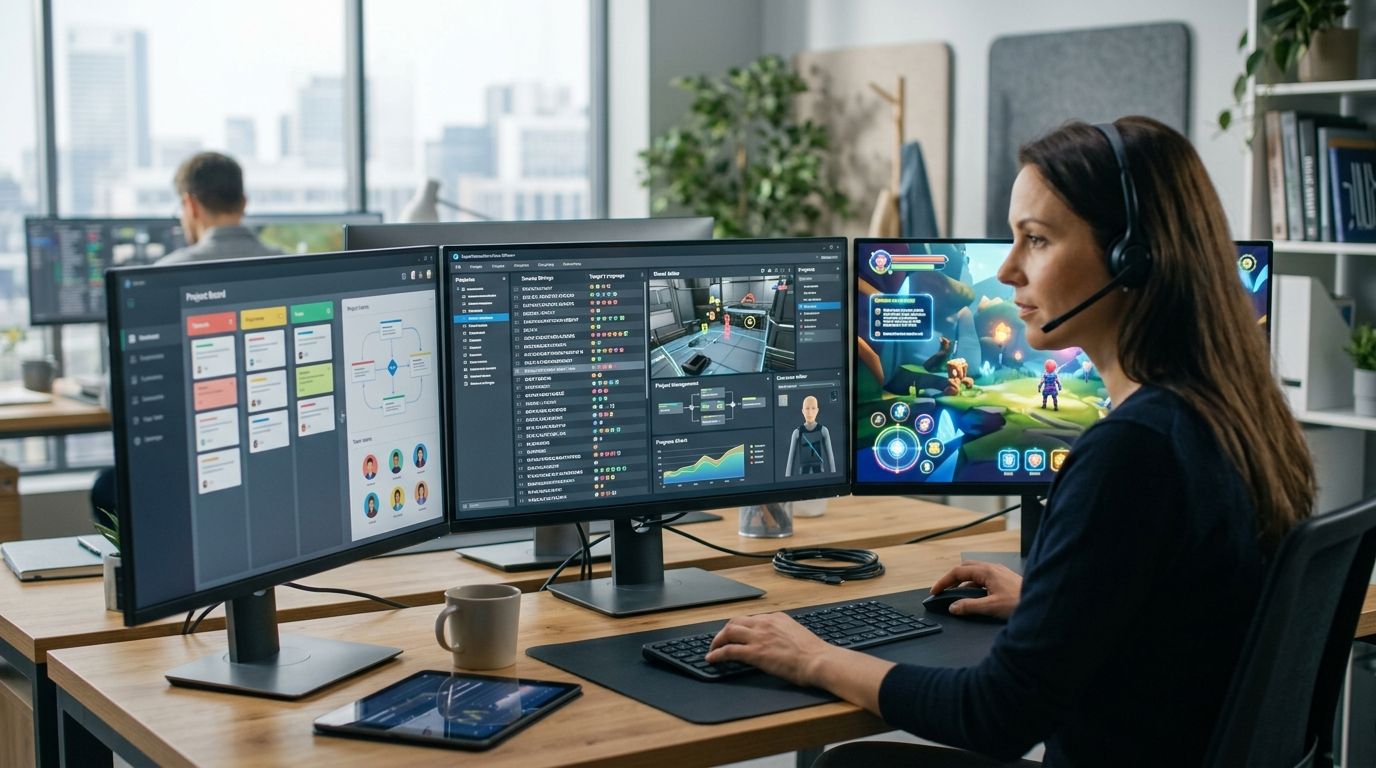
Video game localization software in 2026 has to handle string variables, UI character limits, voice-over sync sheets, and weekly live-service patches without breaking a shipped build. This guide ranks seven platforms for studios, indie developers, and localization agencies, with a distinct use case for every pick.
Best overall: Wxrks. Best for engine integration: Lokalise. Best budget option: POEditor.
- Wxrks wins video game localization software rankings for teams that want translation memory, QA, and cost tracking in one workflow.
- Lokalise is the pick for studios shipping from Unity or Unreal Engine with over-the-air string updates.
- Crowdin fits community-driven localization where contributors translate strings under a managed workflow.
- POEditor is the budget option for indie teams managing a small number of languages.
Why this matters
Game text is not website copy. Strings carry variables, plural rules, gendered forms, and hard character limits that can break UI layouts when translated text expands. Add voice-over timing, in-context screenshots for linguistic QA, and simultaneous multilingual launches, and a spreadsheet or generic CAT tool starts costing more time than it saves.
In 2026, studios also need to manage localization after launch. Live-service patches, downloadable content, and seasonal updates introduce new strings that must follow the terminology established in the original release.
Video game localization software must keep translation memory, glossaries, and QA checks synchronized across every update. Without that shared language record, character names, item labels, and interface commands can drift between releases.
The software localization tools for developers category overlaps with game localization. The difference is that game teams place more weight on engine connections, in-context review, variable protection, character limits, and frequent content updates.
What makes the best video game localization software
- Engine and file support: The platform should handle the formats generated by your engine and content pipeline without repeated conversion work.
- Translation memory and glossary reuse: Approved character names, item names, and recurring interface strings should remain consistent across updates.
- Linguistic QA: Character-limit warnings, placeholder checks, tag validation, and contextual review catch errors before text reaches a build.
- Workflow automation: APIs, repositories, or command-line tools should move strings between developers and linguists without manual file chasing.
- Live-update capacity: The system should support frequent patches and multiple target languages without rebuilding the workflow each time.
- Cost tracking: Studios and agencies need visibility across internal linguists, freelancers, reviewers, and external language vendors.
Video game localization software at a glance
| Tool | Best for | Standout feature | Key limitation |
|---|---|---|---|
| Wxrks | Developers and agencies automating localization workflows | Translation memory, quality management, and cost tracking in one TMS | Game-engine compatibility needs to be confirmed against the planned workflow |
| Lokalise | Unity and Unreal Engine integration | Engine integrations and over-the-air updates | Technical setup requires developer involvement |
| Crowdin | Community-driven localization | Contributor workflows with visual context | Community output still requires professional review |
| memoQ | Linguist-level terminology and QA | Detailed terminology controls and automated checks | A build pipeline can require separate integration work |
| Smartcat | Sourcing translators within the workflow | Translation marketplace connected to project management | Individual linguists still require title-specific vetting |
| XTM Cloud | Large publishers with controlled processes | Enterprise workflow controls and audit visibility | More process overhead than a small indie team needs |
| POEditor | Small indie projects | Straightforward string and contributor management | Limited automation for complex studio pipelines |
1. Wxrks: best for automated localization workflows
Wxrks is an AI-powered translation management system for translators, developers, enterprises, and translation agencies. It brings localization workflows, translation memory, quality management, and cost tracking into one platform.
For a game team, that structure creates one record for approved terminology and repeated strings across launch content, patches, and downloadable content. Agencies can also manage translation work and quality controls without separating project data from cost tracking.
Wxrks pros:
- Connects translation memory with automated localization workflows
- Includes quality management and cost tracking in the same system
- Supports developers, translators, enterprises, and translation agencies
- Reduces the need to coordinate several disconnected localization tools
Wxrks cons:
- The available inputs do not name dedicated Unity or Unreal Engine plugins
- Teams must confirm that their engine files and repository workflow fit the platform before migration
Best for: Developers and agencies that want video game localization software centered on workflow automation, translation memory, quality management, and cost tracking.
Verdict: Buy.
2. Lokalise: best for game-engine integration
Lokalise is a cloud localization platform with integrations for development workflows, including Unity and Unreal Engine. Its over-the-air update capability also suits teams that need to change translated strings without treating every text correction as a full content release.
That combination is useful for live-service games. Developers still need to configure the connection correctly, but translators gain a clearer path from source strings to localized builds.
Lokalise pros:
- Integrates with Unity and Unreal Engine workflows
- Supports over-the-air localization updates
- Provides contextual review features for translators
- Connects localization work with developer tooling
Lokalise cons:
- Initial integration requires engineering time
- A studio must still define terminology ownership and review gates
Best for: Studios using Unity or Unreal Engine that prioritize direct development integration and frequent string updates.
Verdict: Buy.
3. Crowdin: best for community-driven localization
Crowdin organizes source strings, translations, contributors, and contextual material in a shared localization workspace. It is a practical fit when a studio wants community members to contribute translations without passing files through email or forum threads.
Community access does not remove the need for professional linguistic QA. A reviewer should still approve terminology, variables, and final in-game context before release.
Crowdin pros:
- Supports managed contributor workflows
- Shows translators visual context through screenshots
- Integrates with common development repositories and file formats
- Makes community participation easier to organize
Crowdin cons:
- Contributor quality varies by language and subject knowledge
- Community management creates work for the studio
- Final strings still need a controlled review process
Best for: Studios with an active international community and an internal owner for review, terminology, and contributor management.
Verdict: Buy with a professional QA gate.
4. memoQ: best for terminology control and linguistic QA
memoQ is a computer-assisted translation tool used by translators and language service providers. Its core strengths are translation memory, terminology management, tag handling, and automated quality checks.
Those controls matter when a game contains recurring abilities, factions, inventory labels, or lore terms that cannot change from one scene to another. Developers should plan how files enter and leave memoQ because the linguist workspace is only one part of the localization pipeline.
memoQ pros:
- Detailed terminology and glossary management
- Automated checks for tags, numbers, and consistency
- Familiar environment for many professional translators
- Strong translation-memory controls
memoQ cons:
- Developer integration can require another workflow layer
- It is less focused on direct game-engine operations than engine-connected platforms
Best for: Localization agencies and professional linguists that put terminology control and final linguistic QA ahead of engine-native workflow features.
Verdict: Buy.
5. Smartcat: best for sourcing translators
Smartcat combines translation workflow features with access to a marketplace of language professionals. A studio or agency can manage projects and identify translators without running a completely separate sourcing process.
The marketplace solves access, not quality control. Game localization requires translators who understand interface constraints, narrative context, and the terminology of the title, so each contributor still needs careful vetting.
Smartcat pros:
- Connects project workflows with translator sourcing
- Supports collaboration among translators, editors, and project managers
- Reduces the separation between vendor discovery and project assignment
Smartcat cons:
- Marketplace profiles do not replace game-specific screening
- Translation quality depends on the selected linguists and review process
Best for: Studios and agencies that need to add language pairs or expand translator capacity within the same operational workflow.
Verdict: Buy if sourcing is the main bottleneck.
6. XTM Cloud: best for large publishers
XTM Cloud is an enterprise translation management system designed for structured workflows, system connections, and centralized oversight. It fits publishers coordinating localization across multiple titles, departments, or external vendors.
Small teams rarely need that level of process control. The value appears when localization managers need consistent approval stages and visibility across a wider content portfolio.
XTM Cloud pros:
- Centralizes complex localization workflows
- Supports integrations across enterprise content systems
- Provides process visibility for managers and stakeholders
- Suits multi-team localization operations
XTM Cloud cons:
- Implementation carries more overhead than a small project requires
- Teams need clear process ownership to benefit from the available controls
Best for: Large publishers coordinating several games, localization teams, and external vendors through controlled workflows.
Verdict: Buy for publisher-scale operations; skip for a small indie title.
7. POEditor: best for small indie projects
POEditor focuses on string management, contributor access, and localization project organization. Its simpler structure suits a small team that needs to move beyond spreadsheets without adopting a large enterprise TMS.
That simplicity becomes a limitation when a project gains more repositories, frequent content updates, or layered approval workflows. Indie teams should choose it for the workflow they have now, then reassess as localization complexity grows.
POEditor pros:
- Straightforward project and string management
- Simple contributor onboarding
- Suitable for teams without a dedicated localization department
POEditor cons:
- Offers less workflow depth than enterprise-focused platforms
- Complex build automation can require additional tools or custom work
- Large multilingual releases can outgrow the simpler project structure
Best for: Small indie teams localizing a limited content set with a small group of contributors.
Verdict: Buy for a simple indie workflow; wait if the pipeline is already complex.
How we ranked these tools
The ranking uses the six criteria defined above: engine and file support, translation-memory reuse, linguistic QA, automation, update capacity, and cost tracking. Each platform receives a distinct use-case position because game teams do not share one universal workflow.
A Unity live-service studio needs different controls from a translation agency reviewing narrative dialogue. Likewise, an indie developer managing a small string set should not carry the process overhead required by a global publisher.
The 2026 ranking therefore answers a practical question: which platform matches the operating constraint that matters most to your team?
Review the Wxrks platform
See how translation memory, QA, automation, and cost tracking fit your localization workflow.
Which video game localization software should you choose?
Choose Wxrks as the default 2026 pick when you want translation memory, quality management, workflow automation, and cost tracking in one TMS. Choose Lokalise when direct Unity or Unreal Engine integration is the deciding requirement. Choose Crowdin when managed community participation matters most.
Agencies that need deeper evaluation of review controls should compare the best translation quality management tools. Small indie teams should start with the least complicated platform that protects variables and terminology, then move when release frequency or language coverage makes manual coordination the bottleneck.
FAQ
What's the best video game localization software in 2026?
Wxrks is the best overall 2026 pick for teams that want translation memory, quality management, automation, and cost tracking in one system. Lokalise is stronger when native Unity or Unreal Engine workflow support is the deciding factor.
Is Lokalise better than Crowdin for game localization?
Lokalise is better for engine-connected development workflows, while Crowdin is better for managed community translation. The right choice depends on whether technical integration or contributor participation is the main requirement.
Do indie developers need a full TMS for game localization?
Indie developers do not always need a full enterprise TMS. A smaller tool can work when the project has limited content, languages, and contributors, but frequent updates make automation and translation memory more valuable.
What's the difference between a CAT tool and video game localization software?
A CAT tool centers on the translator's workbench, translation memory, terminology, and linguistic checks. Video game localization software can add project workflows, developer integrations, contextual review, and release automation.
How does translation memory help with game updates?
Translation memory stores approved source and target segments for reuse in later patches and downloadable content. It reduces repeated translation work and helps recurring interface or narrative text remain consistent.
Can community translators handle video game localization?
Community translators can contribute useful language and player knowledge, but their work still needs controlled review. A professional QA stage should verify terminology, variables, context, and consistency before release.
What should agencies look for in game localization software?
Agencies should prioritize translation-memory control, terminology, reviewer workflows, quality checks, and cost visibility across clients. File compatibility and secure handoffs also need to match each studio's pipeline.
Does video game localization software integrate with Unity or Unreal Engine?
Some localization platforms integrate with Unity or Unreal Engine, while others rely on APIs or file-based workflows. Confirm support for the engine, file formats, repository, and update process before selecting a platform in 2026.
One last thing
Do not choose a platform from its translator interface alone. Ask a developer to trace one string from the source repository into the localization workspace, through review, and back into a playable build.
That single workflow exposes missing context, broken variables, manual handoffs, and unclear ownership before they become release blockers. In 2026, the best localization stack is the one your developers and linguists can operate together without maintaining competing versions of the same string.