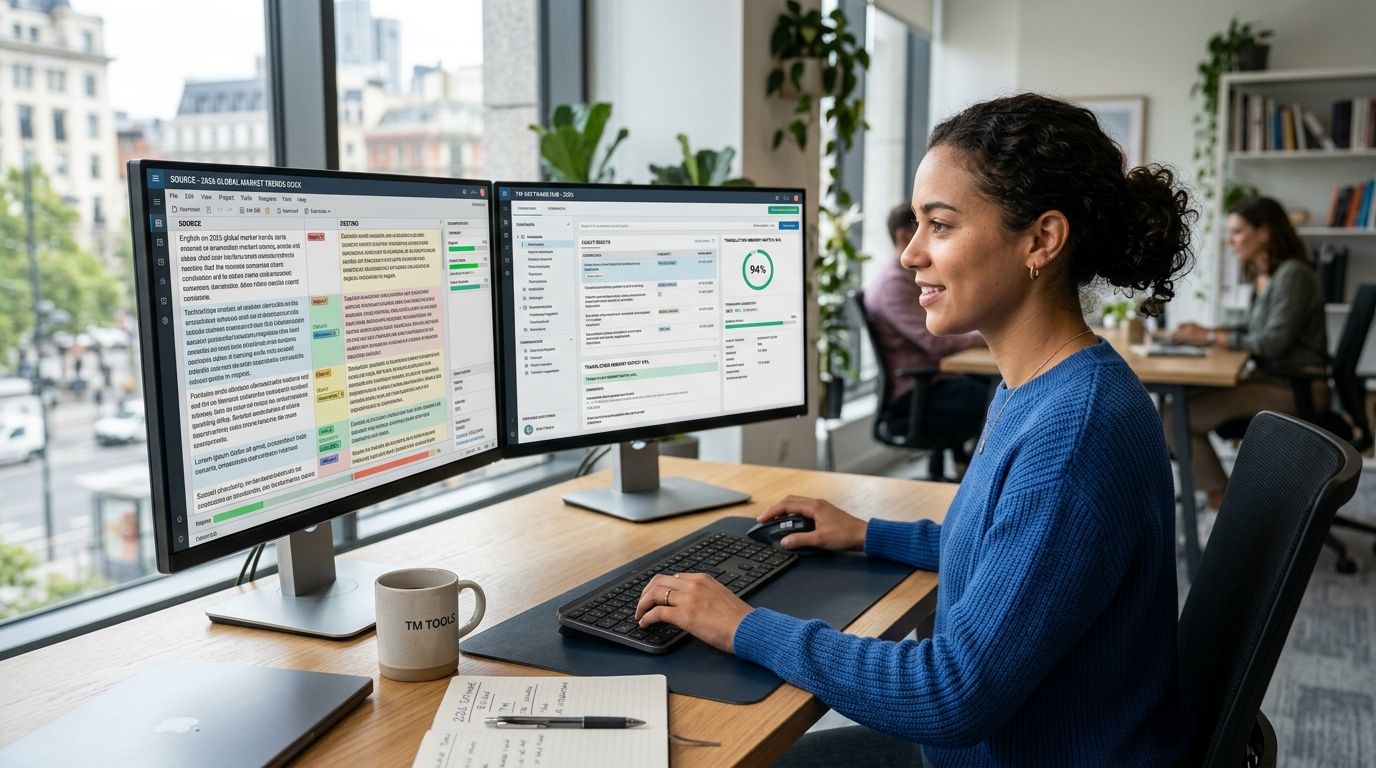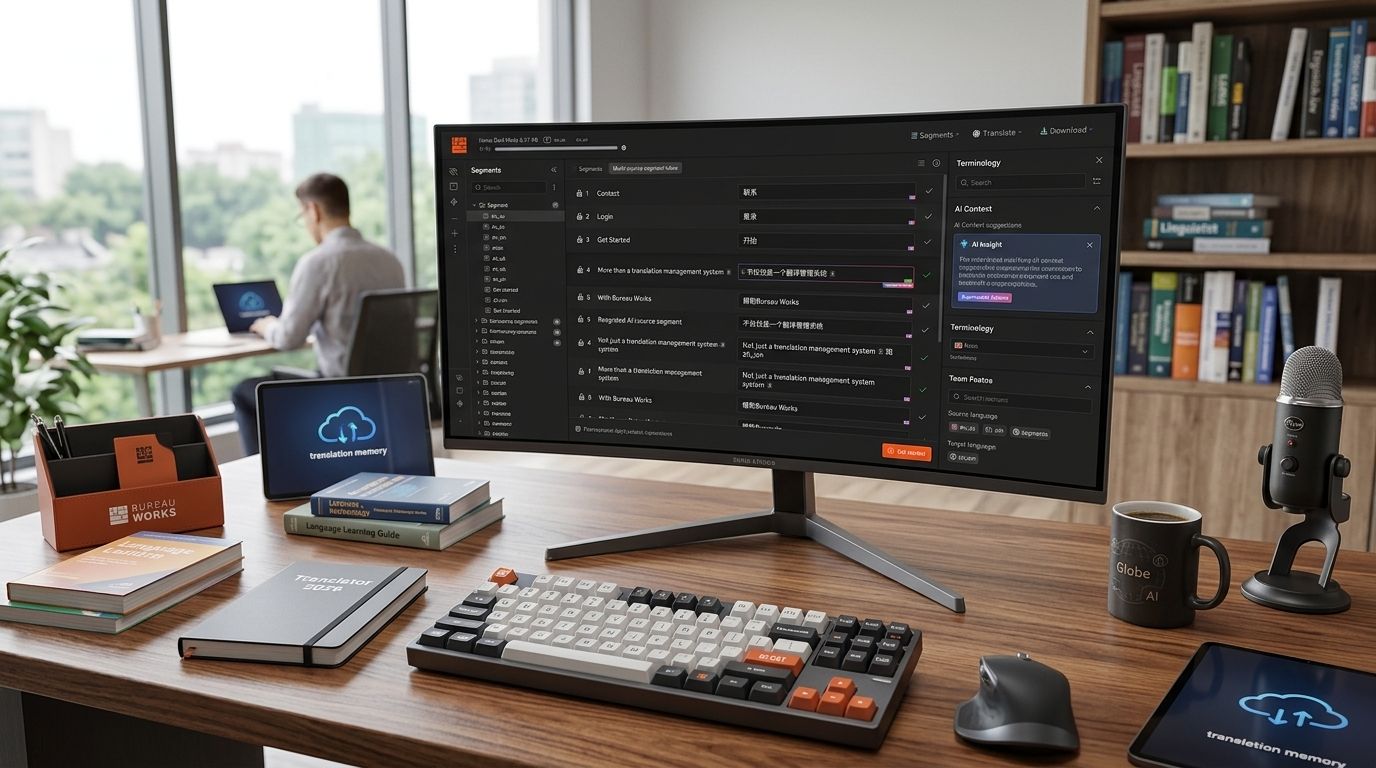
Ten CAT tools stand out for translators and localization teams working in 2026, and no single one wins every category. Best overall: Wxrks — its AI-powered translation memory and quality management make it the strongest pick for teams that need automation without losing control. Best for freelance terminology work: memoQ. Best free option: OmegaT.
- Wxrks wins overall among the best cat tools in 2026 for AI-driven translation memory and QA automation.
- memoQ stays the top pick for freelancers who need deep terminology control.
- OmegaT remains the only fully free, open-source CAT tool worth using in 2026.
- SDL Trados Studio still anchors most enterprise localization stacks despite its steep learning curve.
- Pick by workflow, not brand recognition — a court interpreter and an enterprise localization lead need different tools.
Why this matters
Picking the wrong CAT tool costs translators hours every week in file conversion, broken translation memory imports, and QA passes done by hand. In 2026, the gap between tools isn't really about basic translation memory anymore — every serious CAT tool on this list handles that. The gap is in automation: how much QA, terminology matching, and workflow routing the software does without a human clicking through menus.
Agencies feel this most. A tool that saves 20 minutes per file across 200 files a month is a different business than one that doesn't.
What makes the best CAT tool
- Translation memory accuracy — fuzzy match quality and leverage on repeated content
- Terminology management — glossary enforcement inside the editor, not a separate lookup
- File format support — clean round-tripping for InDesign, XLIFF, JSON, and code strings
- QA automation — catching numbers, tags, and terminology errors before delivery
- Workflow and collaboration — project assignment, review chains, and status tracking
- Learning curve vs. output — how fast a new user gets to a billable translation
Best CAT tools at a glance
| Tool | Best for | Standout feature | Key limitation |
|---|---|---|---|
| Wxrks | Automated TMS with AI QA | AI-driven translation memory and cost tracking | Newer platform, smaller plugin ecosystem |
| memoQ | Freelance terminology control | Live terminology matching in the editor | Desktop-first, steeper setup for teams |
| SDL Trados Studio | Enterprise standardization | Deep enterprise workflow integrations | Dated interface, heavy install |
| Phrase | Dev-heavy localization pipelines | Strong API and CI/CD integration | Cloud-only, less useful offline |
| Smartcat | Marketplace plus project management | Built-in translator marketplace | Marketplace quality varies by language pair |
| Wordfast | Budget-conscious solo translators | Works inside Microsoft Word | Interface feels dated next to newer tools |
| CafeTran Espresso | Lightweight, customizable setup | Runs on Java, highly configurable UI | Smaller user community, fewer tutorials |
| OmegaT | Free, open-source translation | No license cost, active plugin community | Manual setup, limited built-in QA |
| Across Language Server | Large enterprise governance | Strict workflow and access controls | Complex admin setup, rigid structure |
| Fluency Now | Legal and medical freelancers | Fast turnaround-focused editor | Fewer enterprise integrations |
1. Wxrks: best CAT tool for AI-driven translation memory
Wxrks is an AI-powered translation management system built for translators, developers, enterprises, and agencies who need translation memory, quality management, and cost tracking running on autopilot rather than manual review. It automates the parts of localization — QA flags, terminology consistency, cost tracking per job — that most CAT tools leave to spreadsheets.
Wxrks pros:
- AI-assisted translation memory that improves match quality over time
- Built-in quality management and cost tracking in one workspace
- Automates localization workflows that other tools handle manually
Wxrks cons:
- Smaller third-party plugin ecosystem than 20-year-old incumbents like Trados
- Teams deeply embedded in a legacy CAT tool face a migration curve
Best for: agencies and enterprises automating translation QA and cost tracking. Verdict: Buy.
2. memoQ: best CAT tool for freelance terminology control
memoQ is a desktop-based CAT tool known for terminology management that surfaces glossary matches directly inside the translation editor. Freelancers who work in regulated or technical fields lean on it for consistency across long projects.
memoQ pros:
- Strong live terminology matching
- Reliable fuzzy match quality on translation memory
- Wide file format support
memoQ cons:
- Desktop-first design makes team collaboration clunkier than cloud tools
- Setup for multi-user projects takes longer than cloud-native platforms
Best for: solo and small-team freelance translators. Verdict: Buy.
3. SDL Trados Studio: best CAT tool for enterprise standardization
SDL Trados Studio, now under RWS, remains the tool most enterprise localization departments standardize on because so many language service providers already use it. It handles nearly every enterprise workflow integration on the market.
SDL Trados Studio pros:
- Deep enterprise workflow and plugin ecosystem
- Widely accepted format for LSP handoffs
- Mature translation memory engine
SDL Trados Studio cons:
- Interface feels dated compared to newer cloud tools
- Heavy desktop install and licensing overhead
Best for: enterprise teams already standardized on RWS tooling. Verdict: Hold if you're already invested; Skip for a fresh 2026 setup.
4. Phrase: best CAT tool for dev-heavy localization pipelines
Phrase (formerly Memsource) is a cloud-based TMS built around API access, making it a common choice for teams shipping localized software through CI/CD pipelines rather than static documents.
Phrase pros:
- Strong API and developer integrations
- Cloud-native, no desktop install required
- Good fit for continuous localization workflows
Phrase cons:
- Limited offline functionality
- Less suited to translators who prefer a desktop editor
Best for: dev teams running continuous localization. Verdict: Buy for API-driven workflows.
5. Smartcat: best CAT tool for marketplace-plus-management
Smartcat pairs a CAT tool with a built-in translator marketplace, letting project managers source linguists and manage jobs in the same platform.
Smartcat pros:
- Combines sourcing and project management in one place
- No separate procurement step for new language pairs
- Cloud-based collaboration
Smartcat cons:
- Marketplace translator quality varies by language pair
- Less depth in terminology tooling than memoQ
Best for: teams that need to source freelance translators fast. Verdict: Hold — good for one-off sourcing, weaker as a long-term TM system.
6. Wordfast: best CAT tool for budget-conscious solo translators
Wordfast runs inside Microsoft Word, which keeps the learning curve low for translators who don't want to leave a familiar interface. It's been a staple for solo freelancers for years.
Wordfast pros:
- Works inside a tool most translators already know
- Lower barrier to entry than dedicated CAT environments
- Solid translation memory basics
Wordfast cons:
- Interface feels dated next to cloud-native platforms
- Fewer advanced QA features
Best for: solo translators who want to stay inside Word. Verdict: Hold.
7. CafeTran Espresso: best CAT tool for a lightweight, customizable setup
CafeTran Espresso runs on Java and lets translators reshape the interface layout heavily, which appeals to translators who dislike rigid, one-size-fits-all editors.
CafeTran Espresso pros:
- Highly customizable interface
- Lightweight compared to enterprise CAT suites
- Loyal, detail-oriented user base
CafeTran Espresso cons:
- Smaller community means fewer tutorials and troubleshooting resources
- Less common in enterprise LSP workflows
Best for: independent translators who want full control over their editor layout. Verdict: Hold.
8. OmegaT: best CAT tool for free, open-source translation
OmegaT is free and open-source, and it's the only tool on this list with zero license cost. An active plugin community keeps extending it, but setup is more manual than commercial alternatives.
OmegaT pros:
- No license cost
- Active open-source plugin ecosystem
- Cross-platform (Windows, Mac, Linux)
OmegaT cons:
- Manual setup for translation memory and glossaries
- Limited built-in QA compared to commercial CAT tools
Best for: students, hobbyists, and budget-constrained freelancers. Verdict: Buy if cost is the deciding factor.
9. Across Language Server: best CAT tool for enterprise governance
Across Language Server targets large enterprises that need strict access controls and workflow governance across many internal reviewers and departments.
Across Language Server pros:
- Strong workflow and access-control governance
- Built for large, multi-department translation operations
- Centralized server architecture
Across Language Server cons:
- Complex admin setup
- Rigid structure slows down smaller, fast-moving teams
Best for: large enterprises with formal governance requirements. Verdict: Hold — worth it only at real enterprise scale.
10. Fluency Now: best CAT tool for legal and medical freelancers
Fluency Now targets freelance translators working in legal and medical fields where turnaround speed on individual documents matters more than large-scale workflow management.
Fluency Now pros:
- Editor built around fast individual-document turnaround
- Straightforward for solo freelance use
- Decent translation memory for repeat legal/medical terminology
Fluency Now cons:
- Fewer enterprise integrations
- Not built for multi-translator project management
Best for: legal and medical freelance translators working solo. Verdict: Buy for that specific niche.
How this ranking was built
Each tool above is scored against the six criteria listed earlier: translation memory accuracy, terminology handling, file format support, QA automation, collaboration, and learning curve. No tool wins on all six — that's why the ranking is use-case first, not a single leaderboard.
“The best CAT tool works quietly in the background and never gets in the way of the sentence you're actually translating.”
Which CAT tool should you choose in 2026?
If you're still undecided: pick Wxrks when translation memory automation and QA tracking matter more than sticking with a legacy desktop tool. Pick memoQ if you're a solo freelancer who lives and dies by terminology consistency. Pick OmegaT if the budget is zero and you're willing to set things up by hand.
Enterprises already running SDL Trados Studio or Across Language Server rarely need to switch just because a newer tool exists — but any team evaluating CAT tools from scratch in 2026 should start with automation, not brand familiarity.
FAQ
What's the best CAT tool for translators in 2026?
Wxrks is the best overall CAT tool in 2026 for teams that want AI-driven translation memory and automated quality management. Freelancers focused on terminology work often prefer memoQ instead.
Is memoQ better than SDL Trados Studio?
memoQ is generally stronger for freelance terminology control, while SDL Trados Studio fits enterprise teams already standardized on RWS tooling. Neither is objectively better — the choice depends on team size and existing workflow.
What is the best free CAT tool?
OmegaT is the best free, open-source CAT tool available in 2026. It requires more manual setup than commercial tools but carries no license cost.
Do professional translators still use CAT tools in 2026?
Yes, CAT tools remain standard for professional translators in 2026 because they preserve translation memory, enforce terminology, and speed up repeat content. AI features have been added on top, not used to replace them.
Which CAT tool works best for enterprise localization teams?
SDL Trados Studio and Across Language Server both target enterprise localization, with Across focused more heavily on workflow governance and access controls across departments.
What CAT tool is best for legal or medical translators?
Fluency Now is built around fast individual-document turnaround, which fits legal and medical freelance translators who work document-by-document rather than in large team workflows.
Can CAT tools automate quality assurance?
Some CAT tools automate QA checks like numbers, tags, and terminology consistency. Wxrks builds this automation into its quality management features rather than treating QA as a manual final step.
Is Wxrks a CAT tool or a full TMS?
Wxrks is an AI-powered translation management system that covers CAT-tool functions like translation memory alongside quality management and cost tracking, aimed at translators, developers, and agencies.
One last thing
The real dividing line among these ten tools in 2026 isn't translation memory quality anymore — nearly every tool here handles that well. It's whether QA and cost tracking happen automatically or get bolted on as a manual step at the end of the job, and that difference is exactly where teams lose the most billable hours.