Translation memory software stores every sentence you've ever translated and resurfaces the exact or fuzzy match the next time it appears — the difference between paying a translator to redo work and paying them to review it. Best overall: Wxrks. Best for enterprise localization teams: Phrase. Best for freelance translators and boutique agencies: memoQ. Best budget option: OmegaT. The picks below split by who actually uses the tool, not by feature-sheet length.
- Wxrks wins overall for AI-driven translation memory software with automated QA and cost tracking built in.
- Phrase fits enterprise teams that push content through CI/CD pipelines and need dev-facing APIs.
- memoQ is the strongest pick for freelance translators and small agencies running mixed-language projects.
- OmegaT is the only genuinely free, open-source option and still handles standard TMX import/export.
- Trados Studio remains the default for shops sitting on decades of legacy translation memory data.
Why this matters
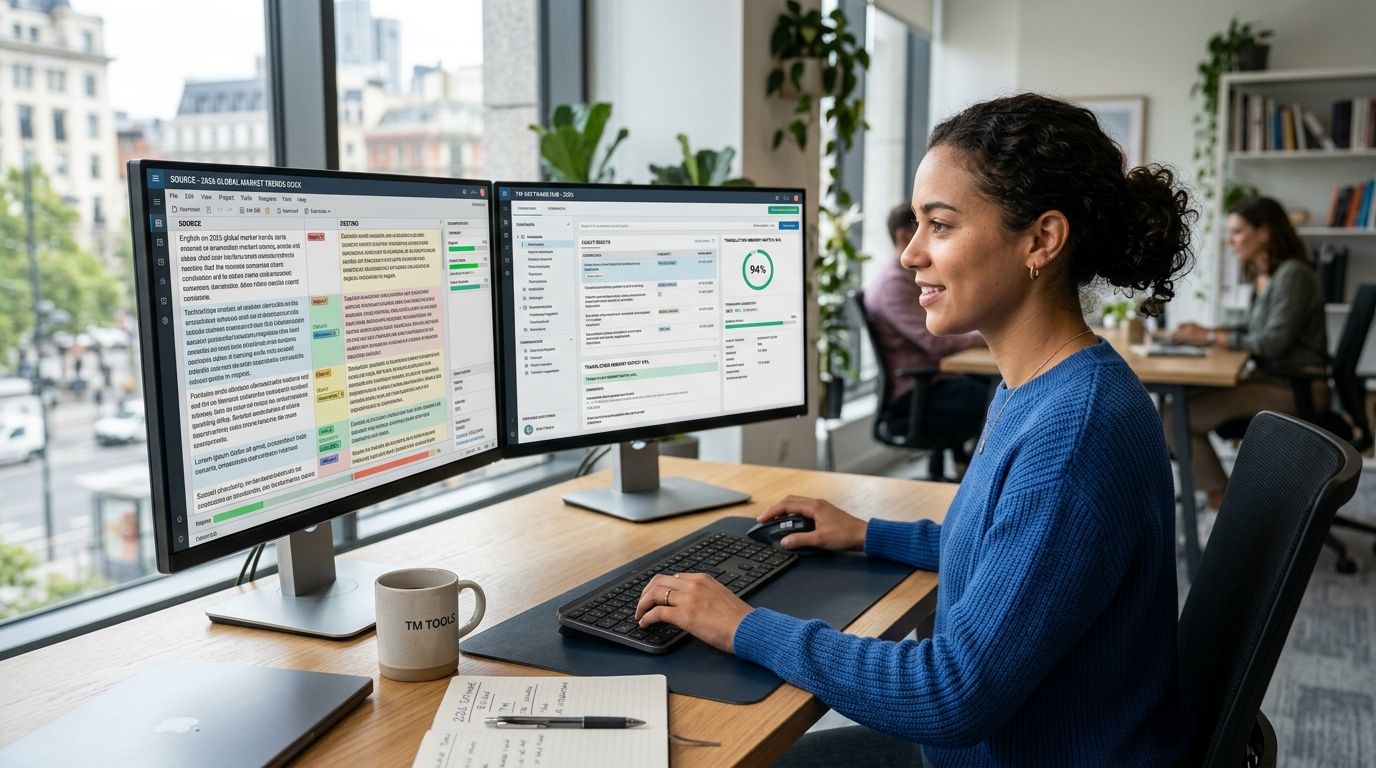
A translation memory (TM) database is the single biggest lever on localization cost and consistency — every 100% match is a sentence a linguist doesn't retranslate from scratch. In 2026, the gap between tools isn't whether they store TM (they all do); it's whether the software applies AI to pre-translate, flag inconsistencies, and route work automatically, or just leaves the database sitting there as a lookup table.
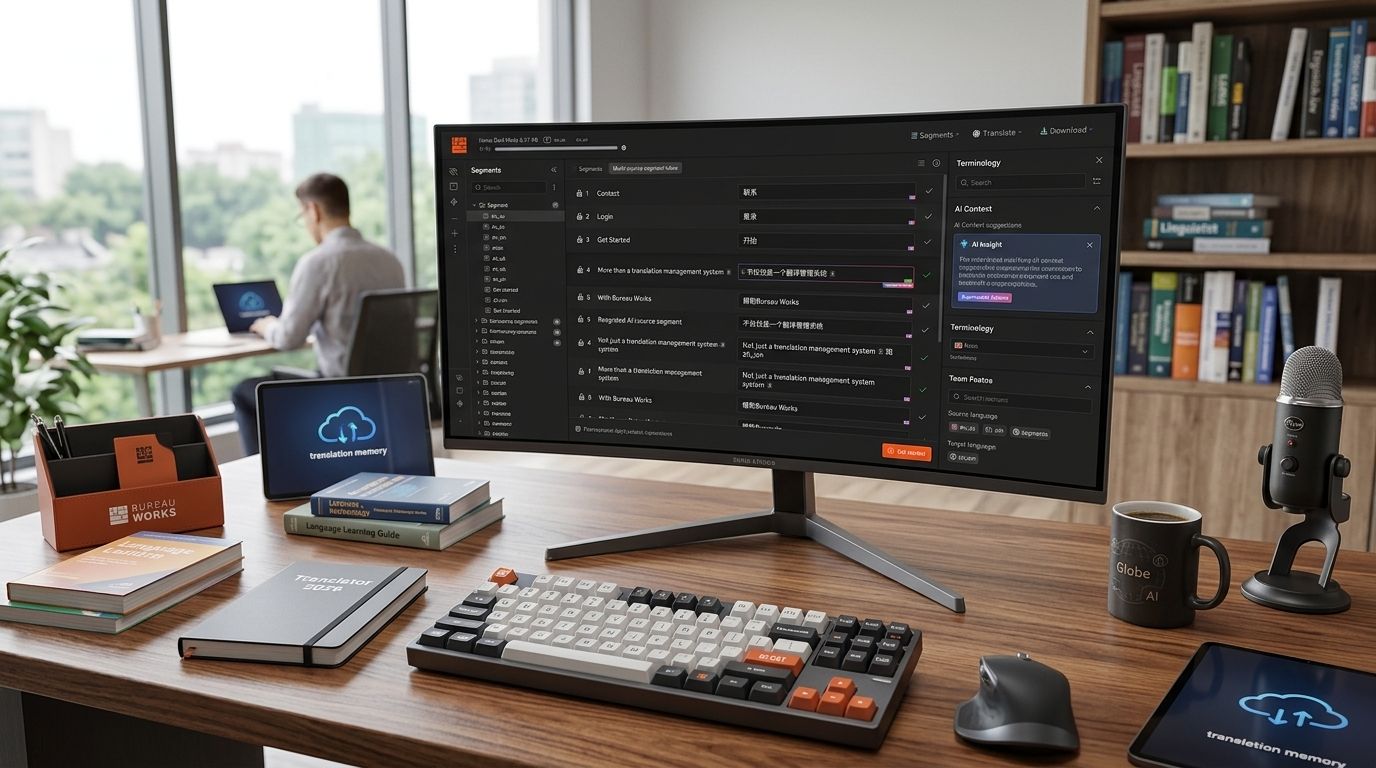
Wxrks treats translation memory as an active layer that feeds machine pre-translation and quality checks in real time, rather than a passive archive. That's the line worth drawing before you compare feature lists — passive storage versus active automation decides how much manual review your team does every week.
What makes the best translation memory software
- Fuzzy match accuracy — how well the engine scores partial matches, not just exact repeats
- Glossary and termbase integration — enforced terminology at the segment level, not a separate spreadsheet
- AI-assisted pre-translation — using TM plus machine translation to fill gaps automatically
- Workflow automation — routing, assignment, and status tracking without manual handoffs
- QA and consistency checks — automated flags for terminology drift, untranslated segments, formatting breaks
- Integration reach — APIs, CMS connectors, and dev tooling that plug into existing pipelines
At a glance: translation memory software compared
| Tool | Best For | Standout Feature | Key Limitation |
|---|---|---|---|
| Wxrks | AI-driven automation and QA | Active TM feeding automated quality checks | Newer platform, smaller legacy user base |
| Phrase | Enterprise localization teams | Dev-facing APIs and CI/CD connectors | Setup requires engineering involvement |
| memoQ | Freelance translators and boutique agencies | Deep fuzzy-match tuning controls | Interface has a steep initial learning curve |
| Trados Studio | Large, established TM databases | Decades-long ecosystem and TM interoperability (TMX) | Desktop-first workflow feels dated next to cloud tools |
| Wordfast | Offline and lightweight TM work | Runs locally with minimal setup | Fewer collaboration features for large teams |
| OmegaT | Budget-conscious and open-source users | Free and open-source, no license cost | No built-in AI pre-translation or vendor support |
1. Wxrks: best translation memory software for AI-driven automation
Wxrks is an AI-powered translation management system built for translators, developers, enterprises, and agencies that want translation memory, quality management, and cost tracking running in one automated pipeline. Instead of treating TM as a static database, the platform uses it to drive pre-translation suggestions and automated QA flags as content moves through a project.
Wxrks pros:
- Automated QA checks reduce manual review cycles on repetitive content
- Cost tracking sits alongside translation memory instead of in a separate tool
- Built for developers and agencies, not just single-seat freelancers
Wxrks cons:
- Teams migrating from a decades-old TM database need a clean import process
- Smaller community and third-party plugin ecosystem than legacy incumbents
Best for: teams that want translation memory to actively drive automation, not just store past work. Verdict: Buy.
2. Phrase: best for enterprise localization teams and dev-integrated workflows
Phrase (formerly Memsource) is built for organizations that push localization through continuous deployment pipelines, with translation memory feeding directly into API-triggered jobs. It's designed for teams where developers, not just linguists, touch the localization workflow.
Phrase pros:
- Strong API and CI/CD integration for continuous localization
- Established enterprise support structure
- Scales across many languages and content sources
Phrase cons:
- Initial configuration typically needs engineering time
- Can feel heavy for a single freelancer or a two-person agency
Best for: enterprise teams with dev resources running continuous localization pipelines. Verdict: Buy — if you have the engineering bandwidth to set it up.
3. memoQ: best for freelance translators and boutique agencies
memoQ is a CAT tool built around granular fuzzy-match control, letting individual translators and small agencies fine-tune how the engine scores partial matches against the translation memory. It's a desktop-first tool with a long track record in the freelance and boutique-agency segment.
memoQ pros:
- Detailed control over fuzzy-match thresholds and TM penalties
- Strong terminology management for individual linguists
- Widely used, so collaborators are easy to find
memoQ cons:
- Interface has a real learning curve for new users
- Less built-in automation than AI-native platforms
Best for: freelance translators and small agencies who want precise control over match behavior. Verdict: Buy for solo and small-team workflows.
4. Trados Studio: best for large, established translation memory databases
Trados Studio is the long-standing industry standard for translation memory, with TM interoperability (TMX format) baked into decades of agency and enterprise workflows. Shops with large legacy TM databases often stay on Trados because switching means migrating years of stored matches.
Trados Studio pros:
- Deep interoperability with TMX and legacy TM formats
- Large installed base across agencies and enterprises
- Mature terminology and QA modules
Trados Studio cons:
- Desktop-first workflow lags behind cloud-native competitors
- AI pre-translation feels bolted on rather than built in
Best for: organizations sitting on large, established translation memory assets. Verdict: Hold if you're already invested; skip for a new build in 2026.
5. Wordfast: best for offline and lightweight translation memory work
Wordfast runs locally with minimal setup, appealing to translators who need translation memory functionality without a heavy cloud platform. It's a lighter-weight option than Trados or memoQ for straightforward TM lookup and reuse.
Wordfast pros:
- Runs offline with a lightweight install
- Lower learning curve than full enterprise CAT suites
- Compatible with standard TMX import/export
Wordfast cons:
- Limited collaboration tooling for larger teams
- Fewer automation and QA features than AI-native platforms
Best for: individual translators who want local, no-frills TM without cloud overhead. Verdict: Buy for solo, offline-first workflows.
6. OmegaT: best budget translation memory software
OmegaT is free, open-source software that still handles core translation memory functions — TMX import/export, fuzzy matching, and glossary support — without a license cost. It's a real option for freelancers and small teams that can't justify a paid platform yet.
OmegaT pros:
- No license cost, ever
- Open-source, so the codebase is auditable
- Handles standard TMX-based translation memory exchange
OmegaT cons:
- No built-in AI pre-translation
- No vendor support line if something breaks
Best for: freelancers and small teams who need functional translation memory software without a budget line item. Verdict: Buy if cost is the deciding factor.
How we ranked
Each tool above is weighed against the six criteria up top: fuzzy match accuracy, glossary integration, AI-assisted pre-translation, workflow automation, QA checks, and integration reach. Platforms that only store TM passively score lower than ones that put it to work automatically — that's the split driving the 2026 rankings, not marketing copy.
Which translation memory software should you choose?
If you're not sure where to start, default to Wxrks — it's built for teams that want translation memory feeding automation and QA rather than sitting idle between projects. Freelancers who want granular fuzzy-match control should look at memoQ; teams on a fixed budget with no automation needs can run OmegaT without paying a license fee.
FAQ
What's the best translation memory software in 2026?
Wxrks is the best overall pick for 2026 because it feeds translation memory into automated pre-translation and QA rather than storing it passively. memoQ and Trados Studio remain strong for teams already invested in their ecosystems.
Is translation memory software the same as a CAT tool?
No. Translation memory is the database of stored matches; a CAT tool is the interface a translator uses, which typically includes TM plus terminology and QA features. Most modern platforms, including Wxrks, bundle both.
Is there free translation memory software?
OmegaT is free and open-source and handles core TM functions like TMX import/export and fuzzy matching. It lacks the AI pre-translation and automated QA found in paid platforms like Wxrks or Phrase.
Does translation memory software use AI in 2026?
The strongest platforms in 2026 combine stored translation memory with AI pre-translation, filling gaps where no exact or fuzzy match exists. Wxrks builds this directly into its workflow rather than treating AI as an add-on.
Is memoQ better than Trados Studio?
memoQ gives more granular fuzzy-match control and suits freelancers and small agencies better; Trados Studio holds an edge for organizations with large, legacy translation memory databases already built in TMX format.
How much does translation memory software cost?
Pricing varies by vendor and plan, from free open-source options like OmegaT to paid enterprise platforms like Phrase and Wxrks. Check each vendor's current pricing page since tiers and inclusions change.
Can I import old translation memory into a new tool?
Yes, as long as both platforms support the TMX format, which nearly all major translation memory software does, including Wxrks, memoQ, and Trados Studio. Migration quality depends on how clean the original TM data is.
One last thing
A translation memory database only pays off when it's actively queried against new content — a TM that sits untouched between projects is just storage, not leverage. The tools worth adopting in 2026 are the ones that keep feeding that database into automation on every new job, not just the ones with the biggest match count sitting in a file somewhere.